Notability APK
The famous iPad note-taking app – now on Android
Notability brings its handwritten notes, PDF annotation and synced audio recording to Android, plus AI transcripts, summaries, quizzes and flashcards. Free for 5 notes; 1M+ downloads on Google Play.
Notability APKDownload for Android · 381 MB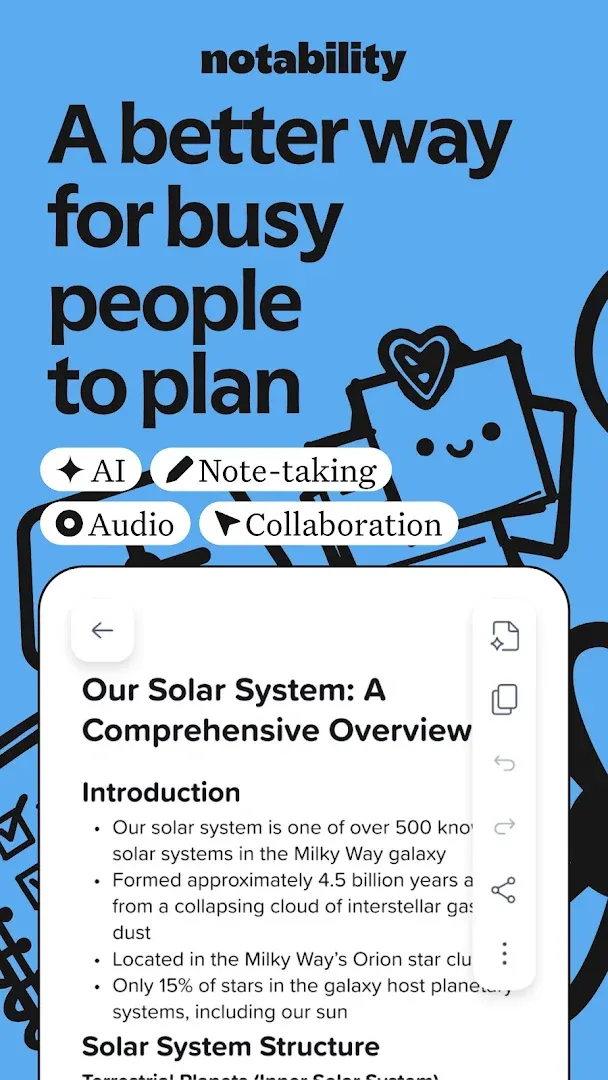


More about Notability
| Name | Notability |
|---|---|
| Package name | com.gingerlabs.notability |
| Category | Productivity |
| Version | 1.9.4 |
| Size | 381 MB |
| Requires Android | Varies with device |
| Developer | Ginger Labs |
| Installs | 1M+ |
| Last updated | 22 Oct 2026 |
| Get it on | Google Play |
Notability APK is the official Android version of Notability, the famous note-taking app that iPad users have loved for years. Ginger Labs finally brought it to Google Play in 2026, and it has already passed 1 million downloads with a 4.4-star rating. Google Play even featured it in its October 2026 “New on Play” collection.
In this guide you will learn what Notability can do on Android, what is free and what needs a subscription, device requirements and how to download Notability safely.
What is Notability?
Notability is a digital notebook for students and professionals. You can handwrite with a stylus, type, sketch, highlight and annotate PDFs – all on the same page. Its most famous feature is audio recording that syncs with your notes: tap any word you wrote and hear what was being said at that exact moment.
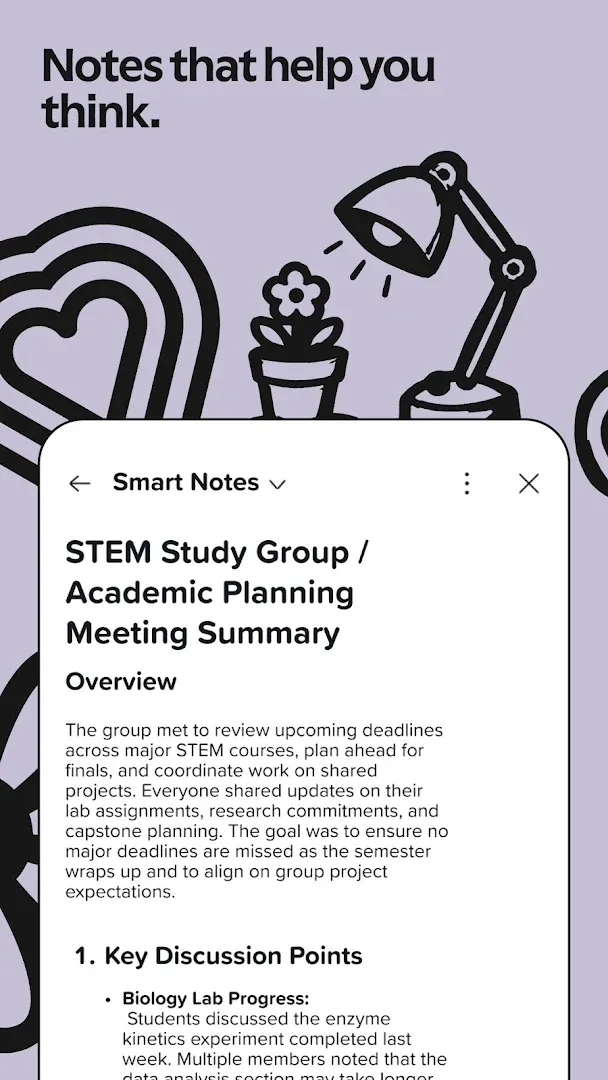
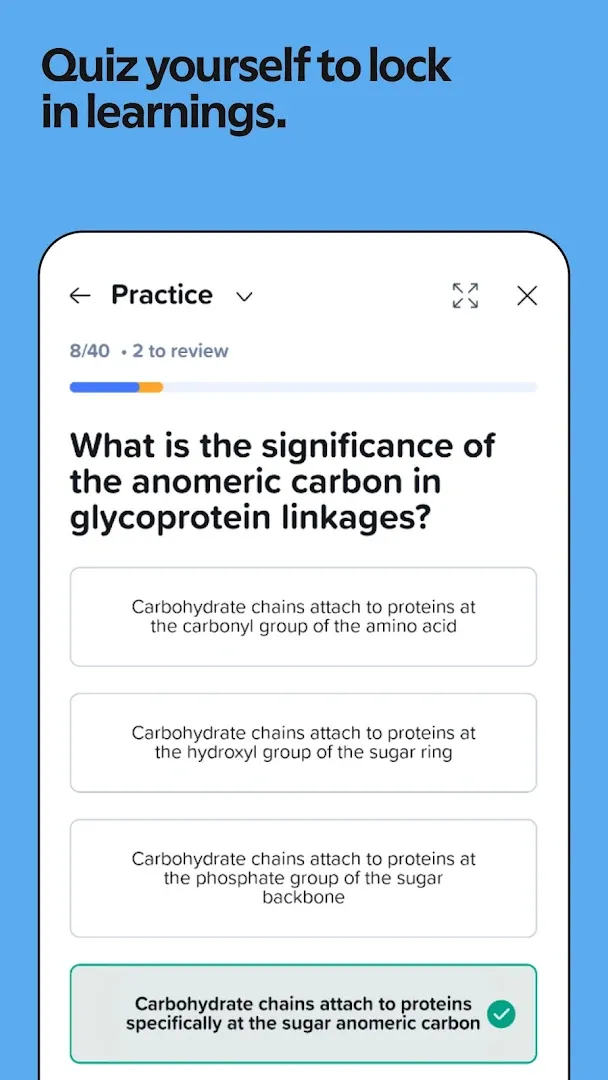
On Android, Notability also brings its newer AI tools: live transcription, automatic summaries, quizzes and flashcards created from your own notes, and a chat feature that lets you ask questions about your lecture notes.

Notability APK Details
| App name | Notability: AI & PDF Notes |
| Developer | Ginger Labs |
| Package name | com.gingerlabs.notability |
| Released on Google Play | July 28, 2026 |
| Latest version | 1.9.4 (updated October 22, 2026) |
| Download size | About 381 MB |
| Category | Productivity |
| Price | Free for 5 notes; subscription or one-time Notability Classic for unlimited notes |
| Downloads / rating | 1M+ · 4.4★ · Everyone |
Key Features of Notability for Android
1. Handwriting, Typing and Sketching Together
Write with digital ink, highlighters and whiteboard pens, type text and add images and diagrams on the same page. Switch between handwriting and typing at any time.
2. PDF Annotation
Import PDFs, slides, textbooks and Word documents, then mark them up with your own handwriting. You can also fill out forms on the go.
3. Audio Recording Synced to Notes
Record lectures or meetings while you write. Playback jumps to the exact moment each note was written – perfect for revision.
4. Live Transcripts and AI Summaries
Get real-time transcripts of recordings, automatic meeting takeaways and summaries of what you learned.
5. Quizzes, Flashcards and Chat With Your Notes
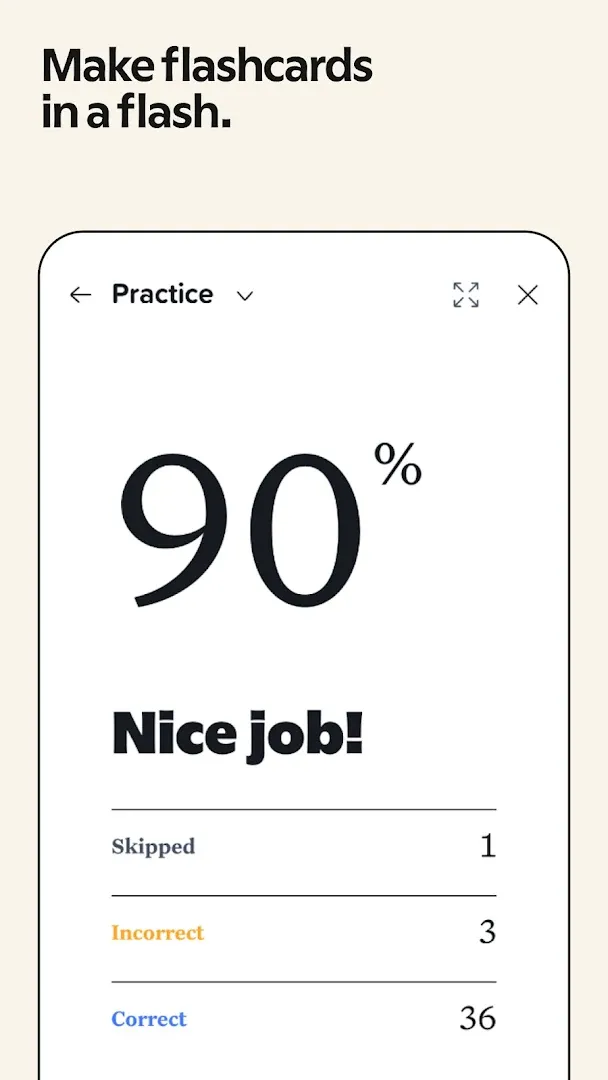
Turn your notes into personalized quizzes and flashcards for active recall, or chat with your notes to clarify ideas before an exam.
6. Powerful Search
Search your handwriting, typed text, transcripts and PDFs to find any idea in seconds.
7. Organize and Sync Everywhere
Use folders and subjects, view two notes side by side, present in full screen with a laser pointer and access your notes on Android, the web and Apple devices.
Is Notability Free on Android?
Notability is free to download and lets you create 5 notes for free. To get unlimited notes and the AI tools – handwriting recognition, math conversion, live transcripts and auto-backup – you need a subscription (Android Authority reported plans from about $4.99 per month). If you prefer to pay once, Notability Classic unlocks unlimited note-taking for a one-time $49.99. In-app prices range from $2.49 to $99.99 depending on the plan.
How to Download and Install Notability APK
- Tap Get it on Google Play on this page.
- Install Notability (about 381 MB).
- Open the app and sign in or create a free account – an account is required.
- Create your first note, or import a PDF to start annotating.
Is Notability APK Safe?
Yes, when downloaded from Google Play. Notability is made by Ginger Labs, the same company behind the iPad version, and data is encrypted in transit. Avoid “Notability Pro APK” or “premium unlocked” files – they can steal your account and notes, and they will not sync with your real Notability library.
Requirements and Best Devices
- Android version: varies with device (check Google Play compatibility)
- Free storage: about 381 MB plus space for your notes
- Best on: Android tablets with a stylus, such as Samsung Galaxy Tab with S Pen
- Internet: needed for sign-in, sync and AI features

Tips to Get the Most From Notability
- Use a stylus: handwriting and annotation feel much more natural with a pen.
- Record every lecture: synced audio is the best way to review what you missed.
- Turn on Dark theme: notes now turn dark too, which is easier on the eyes at night.
- Save custom colors: you can store up to 48 colors in your palette.
- Make flashcards before exams: let the AI build quizzes from your own notes.
What’s New in Notability 1.9.4
- Notes now follow the Dark theme, matching iOS
- Save up to 48 custom colors
- Default title, font and size for new notes
- Study session timer on tablets and Action Items in Learn for Pro
- Faster typing in long notes and more reliable long transcriptions
Pros and Cons of Notability
Pros
- The full Notability experience finally on Android
- Audio recording synced to handwriting
- Strong AI study tools
- Syncs across Android, web and Apple devices
Cons
- Only 5 free notes
- Account required
- Large 381 MB download
Similar Apps on APKsLab
- Rowtine APK – project and pattern tracker for knitters and crocheters.
- Material Files APK – clean open-source file manager.
- Adobe Premiere APK – free mobile video editor from Adobe.
Browse more Productivity apps on APKsLab.
Final Verdict
Notability on Android is a big win for students and professionals who use Android tablets. Synced audio, PDF annotation and smart AI study tools make it one of the best note-taking apps on Google Play. Start with the 5 free notes, and upgrade only if it fits your workflow.
Frequently asked questions
Is Notability available on Android?
Is Notability free on Android?
Do I need an account to use Notability?
Does Notability sync between Android and iPad?
Is Notability Pro APK safe?
Apps like Notability
See all Rowtine
Recommended Apps
See all Radio Addict
 Retro – Photos with Friends
 Stremio
 OpenClaw
 GameNative
 SongFlip
 Adobe Premiere
 Material Files
 I’m Miri: AI Astrology & Tarot
 Divine
 Loops
Loops
Recommended Games
See all Red Ball Forever
 Saints Row: The Third
 Soccer Manager 2027
 MotoGP Rivals
 Kettle Street: Cosy Life Sim
 Winter Burrow
 Vampire Crawlers
 Sifu
Sifu
 Bloons Blitz
 ONE PIECE: Grand Gourmet
 Truckful
 Monster Hunter Outlanders
Ratings and reviews
No reviews yet. Be the first to rate Notability.