
Stremio APK
All your movies, series and live TV in one app
Stremio is a free media center app for Android that organizes movies, series, live TV and video channels from add-ons in one place, with library sync across phone, TV and PC. 10M+ downloads.
Stremio APKDownload for Android · 80 MB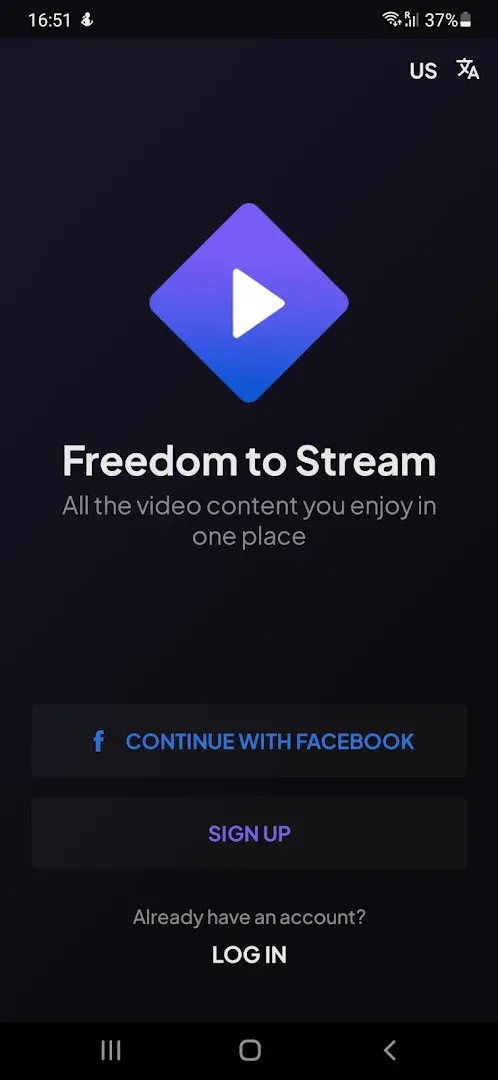




More about Stremio
| Name | Stremio |
|---|---|
| Package name | com.stremio.one |
| Category | Video Players |
| Version | 2.5.0 |
| Size | 80 MB |
| Requires Android | Android 7.0+ |
| Developer | Stremio |
| Installs | 10M+ |
| Last updated | 27 Oct 2026 |
| Get it on | Google Play |
Stremio APK is a popular media center app that brings movies, series, live TV and video channels from different services into one clean interface. With more than 10 million downloads on Google Play, it is one of the most-used video apps on Android, available on phones, tablets, Android TV and desktop. The latest update (October 27, 2026) adds themes, a lock-profile setting and better subtitle auto-selection.
In this guide you will find what Stremio is, how its add-on system works, the newest features, requirements, setup tips and how to download Stremio safely on Android.
What is Stremio?
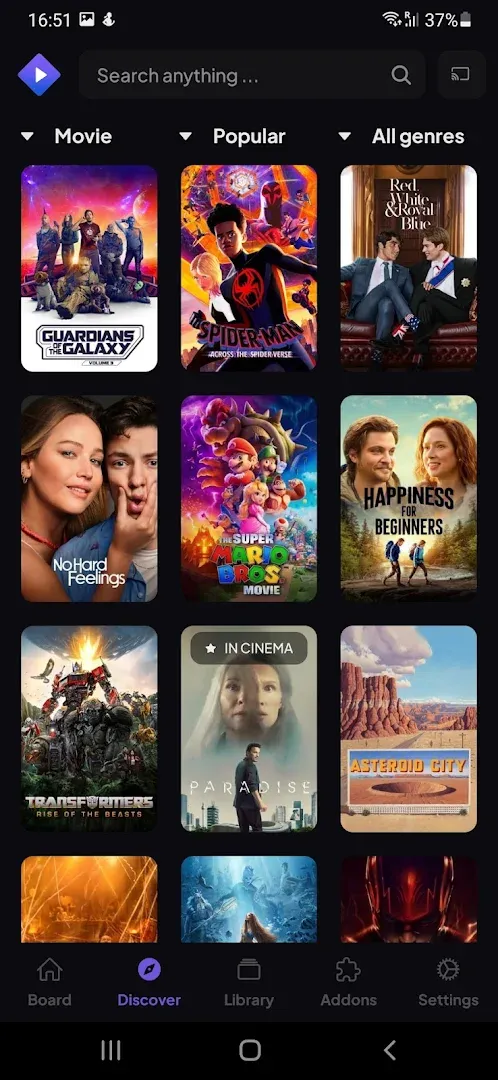
Stremio is a video streaming and organizing app. Instead of jumping between many apps, you add “add-ons” that provide catalogs and streams, and Stremio shows everything in a single library with posters, descriptions and episode lists. It also syncs your library and watch progress across devices with a free account.
Stremio itself does not host any videos – the content comes from the add-ons you install, so the quality and legality of what you watch depends on the sources you choose.
Stremio APK Details
| App name | Stremio |
| Developer | Stremio |
| Package name | com.stremio.one |
| Latest version | 2.5.0 (updated October 27, 2026) |
| Download size | About 80 MB |
| Requires | Android 7.0 and up |
| Category | Video players & streaming |
| Price | Free |
| Downloads / rating | 10M+ · 3.8★ (80K reviews) · Teen |
| Platforms | Phone, tablet, Android TV, desktop |
Key Features of Stremio
1. Everything in One Place
Movies, series, live TV and video channels from different services are shown in one organized interface.
2. Add-on System
Install official and community add-ons to add catalogs, metadata, subtitles and streams.
3. Library and Sync
Save titles to your library, track watched episodes and continue where you left off on any device.
4. External Player Support
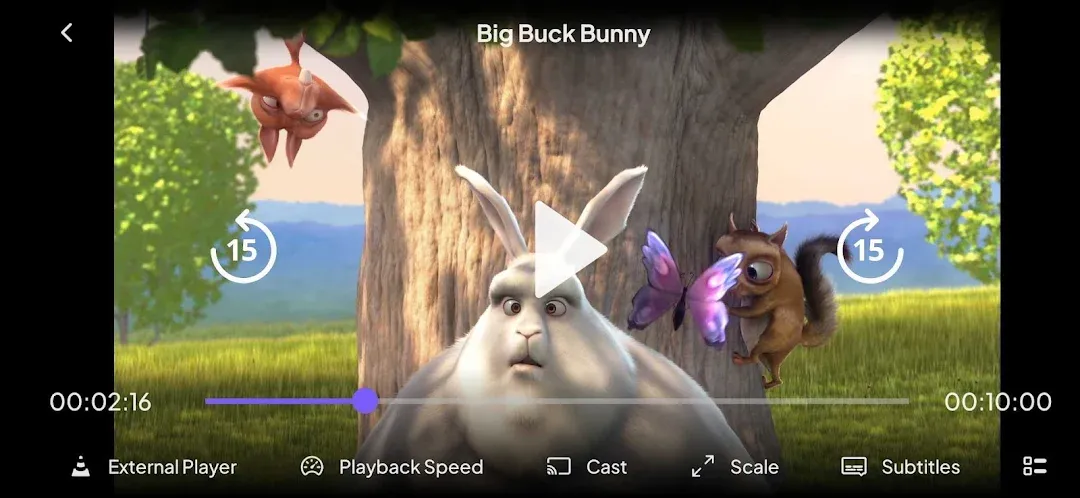
On Android you can open streams in an external player such as VLC or MX Player if you prefer.
5. New: Themes and Profile Lock
The latest version adds themes, a lock-profile setting, better readability on details pages and fixed subtitle auto-selection.
6. Works on Android TV
The same app runs on Android TV boxes and smart TVs with a remote-friendly interface.
How to Download and Install Stremio APK
- Tap Get it on Google Play on this page and install Stremio (about 80 MB).
- Open the app and create a free account (or continue as guest).
- Open the Add-ons section and install the add-ons you want.
- Browse the Discover tab and start watching.
Is Stremio APK Safe and Legal?
The Stremio app from Google Play is safe and legal. However, some third-party add-ons offer copyrighted content without permission. Use official add-ons and services you are allowed to access, and avoid modified “Stremio Pro/Premium APK” files – there is no official paid version, so these are fake and can contain malware.
Requirements
- Android version: 7.0 or newer
- Download size: about 80 MB
- Internet: fast Wi-Fi or 4G/5G for HD streaming
- Optional: Android TV device for big-screen viewing

Tips to Get the Most From Stremio
- Use a free account: it syncs your library and progress across phone, TV and PC.
- Install a subtitles add-on: get subtitles in many languages automatically.
- Try an external player: if a video stutters, opening it in VLC can help.
- Lock profiles: the new lock setting keeps kids out of your profile.
- Report bugs on GitHub: the team tracks issues publicly.
Pros and Cons of Stremio
Pros
- Clean, organized media center
- Free with cross-device sync
- Flexible add-on system
- Works on phone, TV and desktop
Cons
- Needs setup with add-ons to be useful
- Stream quality depends on add-ons
- Occasional playback bugs on some devices
Similar Apps on APKsLab
- JustWatch TV APK – find where to stream any movie or show.
- Adobe Premiere APK – free mobile video editor.
- Radio Addict APK – internet radio streaming.
Browse more Video Players apps on APKsLab.
Final Verdict
Stremio is one of the best ways to organize everything you watch in a single app. It is free, fast and works on every screen. Set it up with official add-ons and services you have access to, and it becomes a powerful personal media center.
Frequently asked questions
Is Stremio free?
Is Stremio legal?
Does Stremio work on Android TV?
Is there a Stremio Premium APK?
What are the Stremio requirements?
Apps like Stremio
See all Adobe Premiere
Recommended Apps
See all Notability
 Radio Addict
 Retro – Photos with Friends
 OpenClaw
 GameNative
 SongFlip
 Material Files
 I’m Miri: AI Astrology & Tarot
 Divine
 Loops
Loops
 Rowtine
Recommended Games
See all Red Ball Forever
 Soccer Manager 2027
 MotoGP Rivals
 Kettle Street: Cosy Life Sim
 Winter Burrow
 Saints Row: The Third
 Vampire Crawlers
 Sifu
Sifu
 Bloons Blitz
 ONE PIECE: Grand Gourmet
 Truckful
 Monster Hunter Outlanders
Ratings and reviews
No reviews yet. Be the first to rate Stremio.