Google Gemini APK
Google’s personal AI assistant – now with Gemini Omni and Gemini Spark
Google Gemini is Google’s free AI assistant for Android. Ask anything, write and summarise, talk with Gemini Live, create images and connect Gmail, Calendar and Photos. New Gemini Omni model and Gemini Spark agent. 1B+ downloads.
Google Gemini APKDownload for Android · Varies with device


More about Google Gemini
| Name | Google Gemini |
|---|---|
| Package name | com.google.android.apps.bard |
| Category | Productivity |
| Version | 1.0.995038376 |
| Size | Varies with device |
| Requires Android | Android 9+ |
| Developer | Google LLC |
| Installs | 1B+ |
| Last updated | 13 Oct 2026 |
| Get it on | Google Play |
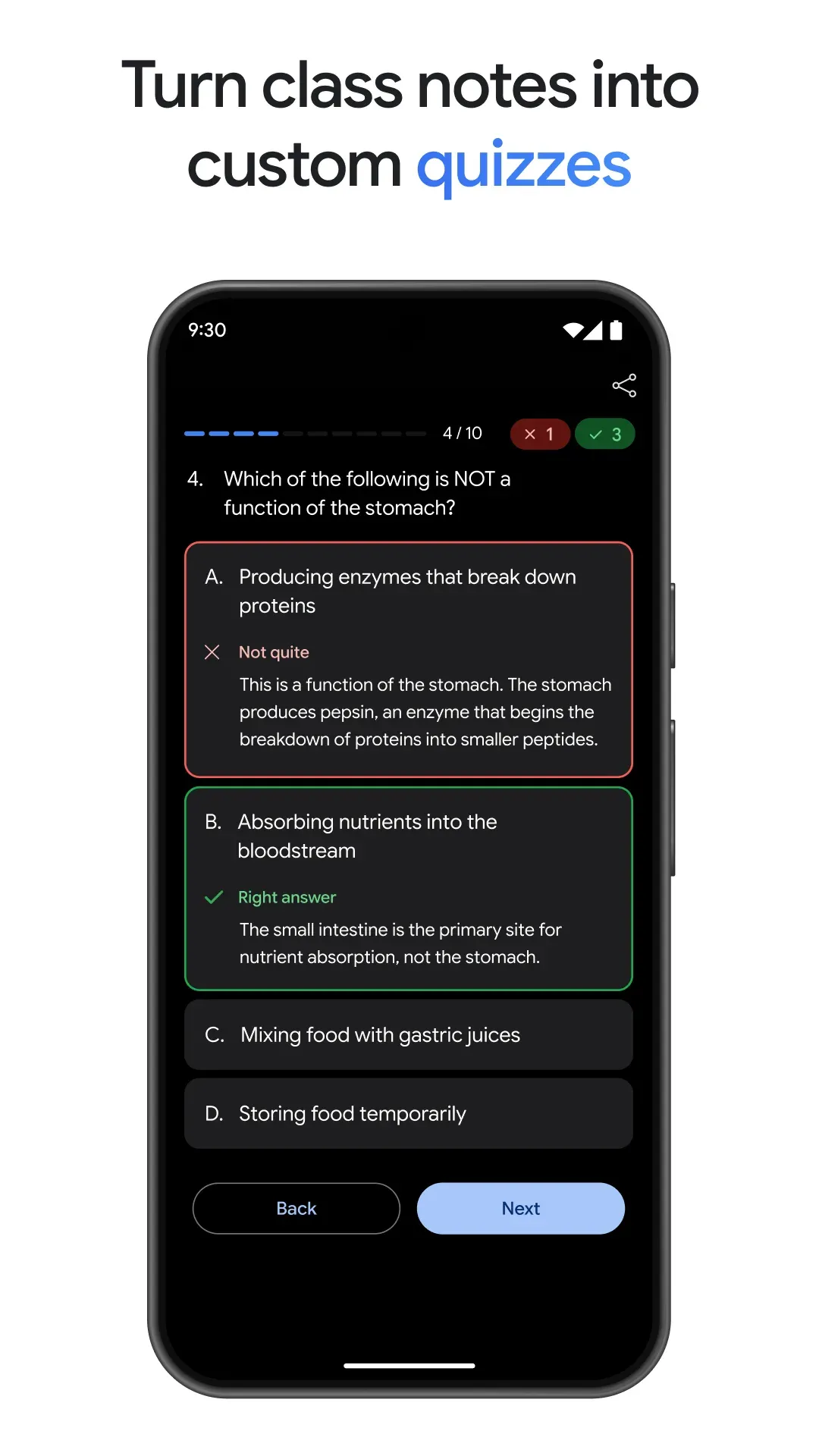
Gemini APK is the official Android download of Google Gemini, Google’s personal AI assistant. Ask questions, write and summarise text, plan your day, talk things out with Gemini Live, and connect it to Gmail, Calendar, Google Photos and YouTube for more personal help. The latest update brings the new Gemini Omni model and the Gemini Spark AI agent.
Below you will find the latest version info, what is new, key features, how to set Gemini as your default assistant, and safe download details.
What is Google Gemini?
Gemini is Google’s AI assistant app – the successor of Google Bard and the new assistant on many Android phones. It runs on Google’s latest Gemini models and can understand text, voice, images, your screen and your camera. You can use it for writing, research, studying, coding help, trip planning and much more.
The app is free with a Google account. Paid Google AI plans add access to the most advanced models, higher limits and extra features.

Gemini APK Details
| App name | Google Gemini |
| Developer | Google LLC |
| Package name | com.google.android.apps.bard |
| Latest version | 1.0.995038376 (updated October 13, 2026) |
| Requires | Android 9 and up |
| Category | Productivity / AI assistant |
| Price | Free (optional paid Google AI plans) |
| Downloads / rating | 1B+ · 4.5★ from 50M reviews · Teen |
The package name still says bard because Gemini started life as Google Bard. It is the official Gemini app from Google.
What’s New in Gemini
- New models: Gemini 3.5 Flash and Gemini Omni unlock new productivity and creative features (the listing also mentions Gemini 3.6).
- Gemini Spark: a 24/7 personal AI agent that proactively manages tasks and helps you handle your digital life.
- Richer answers with images, timelines and interactive visuals instead of a wall of text.
Key Features of Google Gemini
1. Ask Anything
Get clear answers, explanations and step-by-step help on any topic, from homework to cooking to travel.
2. Gemini Live
Have a natural voice conversation, brainstorm in real time, or share your screen or camera so Gemini can talk about what you see.
3. Write, Summarise and Translate
Draft emails, posts and essays, summarise long articles or documents, and translate between languages.
4. Connected Google Apps
Link Gmail, Calendar, Google Photos, YouTube, Maps and more to get personal help – find an email, add an event or plan a route.
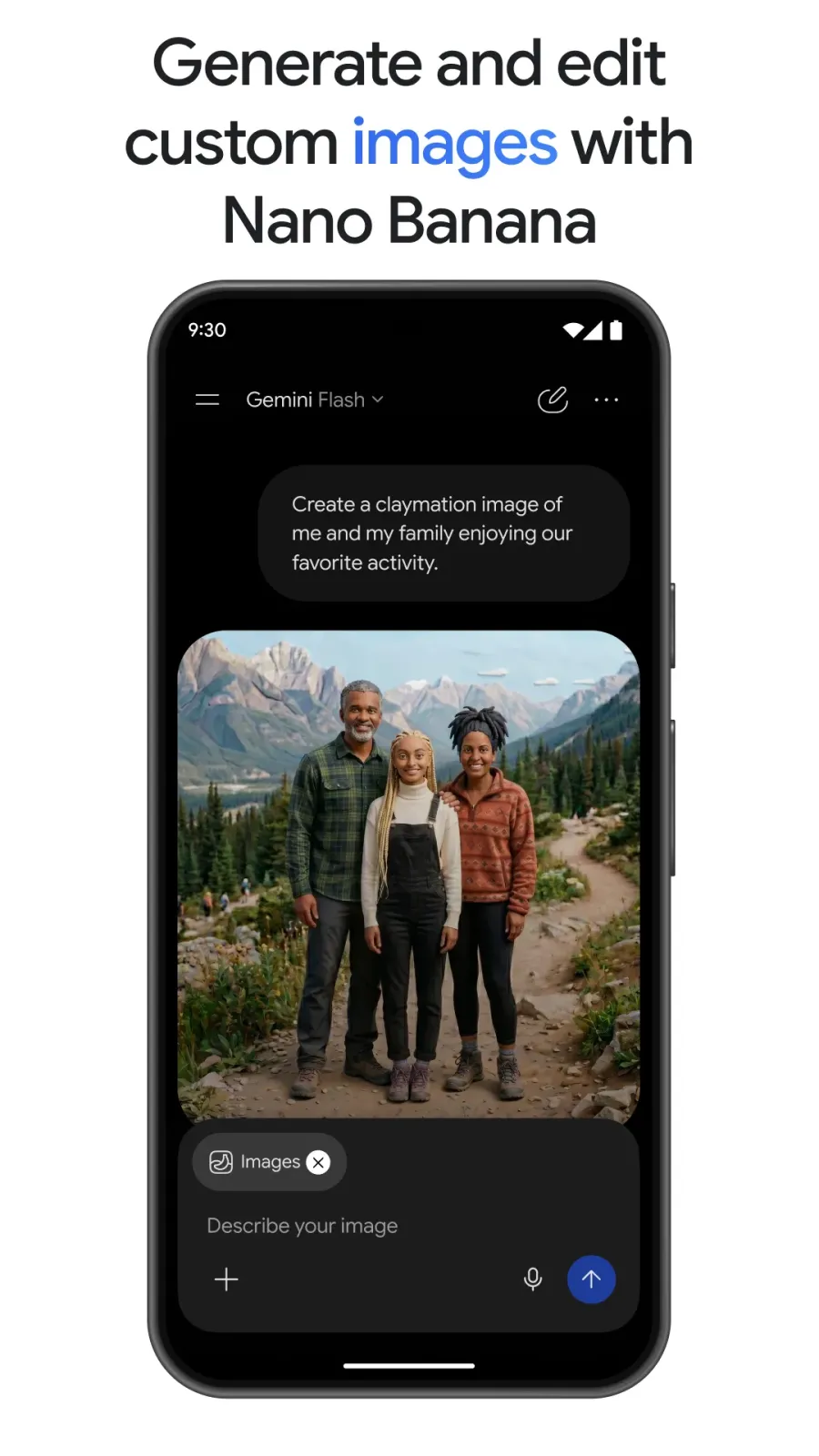
5. Image Creation and Editing
Describe an image and Gemini creates it, or upload a photo and ask for edits.
6. Phone Assistant
Set Gemini as your default assistant to open it with a long press of the power button or the corner swipe gesture.
How to Make Gemini Your Default Assistant
- Install and open the Gemini app.
- Sign in with your Google account and accept the terms.
- When asked, choose to switch from Google Assistant to Gemini.
- Or go to Settings › Apps › Default apps › Digital assistant and pick Gemini.
How to Download and Install Gemini APK
- Tap the Download button on this page to open Google Gemini on Google Play.
- Tap Install (on many new phones Gemini is already installed – just update it).
- Open the app and sign in with your Google account.
- Try a prompt, or tap the Live button to start a voice chat.
Is Gemini APK Safe?
Yes, the Google Play version from Google LLC is safe and updates automatically. Avoid “Gemini Pro free” or modded APKs from other sites – they are not from Google and can steal your Google account. You can review and delete your Gemini activity at any time in your Google account settings.
Requirements
- Android 9 or newer
- A Google account (age and country limits apply)
- Internet connection
- Microphone and camera permissions for Gemini Live features
Tips to Get Better Answers From Gemini
- Give context: say who the answer is for and what format you want (list, table, short email).
- Ask follow-up questions instead of starting a new chat – Gemini remembers the conversation.
- Use the camera in Gemini Live to ask about objects, signs or documents in front of you.
- Always double-check important facts, numbers and advice.
Pros and Cons of Google Gemini
Pros
- Free, powerful AI assistant from Google
- Deep integration with Google apps
- Voice, camera and screen sharing in Gemini Live
- Regular updates with new models
Cons
- Best models and limits need a paid plan
- Requires internet and a Google account
Similar Apps on APKsLab
- Notability – the famous note-taking app, now on Android
- Rowtine – free knitting and crochet project tracker
- OpenClaw – your self-hosted AI assistant
- Remini – AI photo enhancer
Find more apps to get things done in our Productivity apps category.
Final Verdict
Google Gemini is one of the most useful apps you can install on an Android phone in 2026. It answers questions, writes for you, talks in real time and works with the Google apps you already use – and new models like Gemini Omni keep making it better. Download the official Gemini APK from Google Play with the button above.
Frequently asked questions
Is Google Gemini free?
Why is the Gemini package name com.google.android.apps.bard?
What is Gemini Spark?
Can Gemini replace Google Assistant?
What Android version does Gemini need?
Apps like Google Gemini
See all Notability
 Rowtine
Recommended Apps
See all Stremio
 Adobe Premiere
 Material Files
 GameNative
 Loops
 Radio Addict
 Retro – Photos with Friends
 OpenClaw
 SongFlip
 I’m Miri: AI Astrology & Tarot
Recommended Games
See all Saints Row: The Third
 Soccer Manager 2027
 Red Ball Forever
 Monster Hunter Outlanders
 MotoGP Rivals
 Kettle Street: Cosy Life Sim
 Sifu
 Winter Burrow
 Vampire Crawlers
 Truckful
 Bloons Blitz
 ONE PIECE: Grand Gourmet
Ratings and reviews
No reviews yet. Be the first to rate Google Gemini.