
Remini – AI Photo Enhancer APK
Turn blurry and old photos into HD with one tap
Remini is the AI photo enhancer by Bending Spoons. Unblur faces, restore old family photos, fix low-resolution pictures and create AI portraits of yourself. Free to try, 500M+ downloads.
Remini – AI Photo Enhancer APKDownload for Android · Varies with device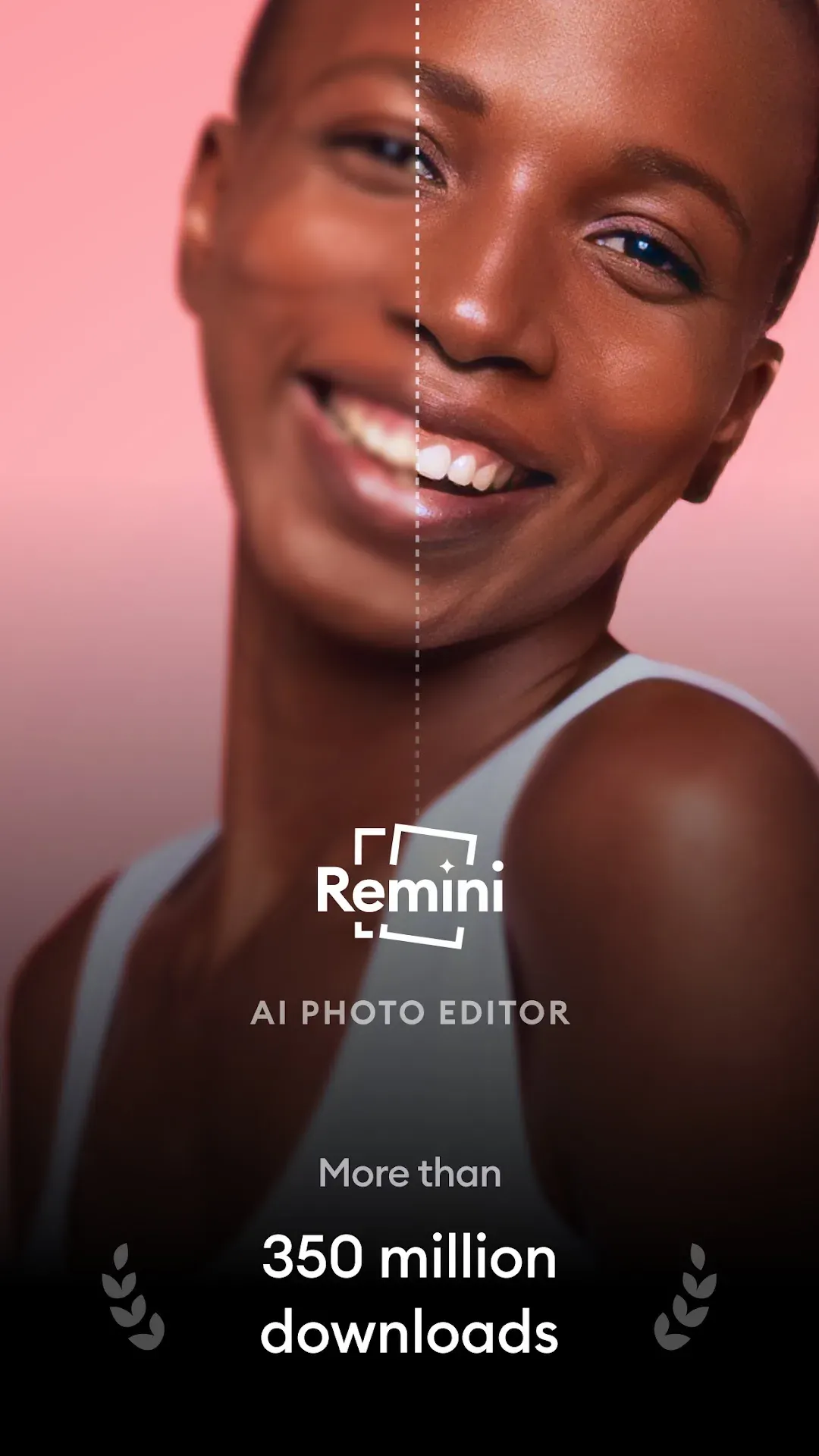




More about Remini – AI Photo Enhancer
| Name | Remini – AI Photo Enhancer |
|---|---|
| Package name | com.bigwinepot.nwdn.international |
| Category | Photography |
| Version | 3.7.1477 |
| Size | Varies with device |
| Requires Android | Android 7.0+ |
| Developer | Bending Spoons |
| Installs | 500M+ |
| Last updated | 30 Oct 2026 |
| Get it on | Google Play |
Remini APK is the official Android download of Remini – AI Photo Enhancer by Bending Spoons. With one tap it turns old, blurry, pixelated or damaged pictures into sharp HD photos, and it can also generate professional-looking AI portraits of you from a few selfies.
This page explains the latest version, what Remini can do, how to enhance a photo step by step, pricing, safety and the official Google Play link.
What is Remini?
Remini is one of the most popular photo enhancer apps in the world. It uses advanced artificial intelligence to unblur faces, restore details, fix low-resolution images and bring old family photos back to life. More than 100 million photos have already been revitalized with the app.
The app is free to try with daily limits, and a Remini Pro subscription unlocks unlimited enhancements, higher quality and extra AI features.

Remini APK Details
| App name | Remini – AI Photo Enhancer |
| Developer | Bending Spoons |
| Package name | com.bigwinepot.nwdn.international |
| Latest version | 3.7.1477 (updated October 30, 2026) |
| Requires | Android 7.0 and up |
| Category | Photography / AI photo editor |
| Price | Free to try (in-app purchases $0.49 – $189.99) |
| Downloads / rating | 500M+ · 4.1★ from 5.9M reviews · Everyone |
The unusual package name comes from the app’s original developer. Remini is now owned by Bending Spoons, and this is the official listing.
What’s New in Remini 3.7
- More AI-enhanced editing options to make your photos stand out.
- Bug fixes and performance improvements for a smoother experience.
Key Features of Remini
1. One-Tap Photo Enhancer
Upload a photo and Remini sharpens it automatically – faces become clear, edges get crisp and noise disappears.
2. Restore Old Photos
Scan old family pictures and repair scratches, blur and fading so your memories look new again.
3. Fix Low-Resolution Images
Turn small, pixelated pictures from old phones or social media into high-definition images.
4. AI Photos of Yourself
Upload a few selfies and Remini generates realistic AI portraits in many styles, from professional headshots to creative looks.
5. Face Detail Boost
Remini is especially strong at faces – eyes, hair and skin details are rebuilt with natural results.
6. Easy Before/After Comparison
Slide to compare the original and enhanced photo, then save or share the result in seconds.
How to Enhance a Photo With Remini
- Open Remini and tap Enhance.
- Pick a photo from your gallery.
- Wait a few seconds while the AI processes it.
- Use the slider to compare, then tap Save to download the HD version.
Free vs Remini Pro
- Free: try enhancements with daily limits and ads.
- Pro: unlimited enhancements, no ads, higher quality and access to extra AI features.
Subscription prices differ by country and are shown in the app. You can cancel any time from Google Play.
How to Download and Install Remini APK
- Tap the Download button on this page to open Remini on Google Play.
- Tap Install and open the app.
- Allow access to your photos so Remini can open your pictures.
- Start with a free enhancement to see the results.
Is Remini APK Safe?
Yes, the official Google Play version from Bending Spoons is safe. Be careful with “Remini Pro mod” APKs – they are unofficial, may contain malware and could upload your private photos to unknown servers. Only process photos you have the right to edit.
Requirements
- Android 7.0 or newer
- Internet connection (photos are processed online)
- Permission to access photos

Tips for Better Results
- Use the highest-quality version of a photo you have – better input gives better output.
- Crop old prints before scanning so the AI focuses on the faces.
- For AI Photos, upload clear selfies with good lighting and different angles.
- Do not over-enhance group photos; small faces can look artificial.
Pros and Cons of Remini
Pros
- Impressive face enhancement
- Restores old and damaged photos
- AI portrait generator built in
- Very easy to use
Cons
- Free version has limits and ads
- Needs internet to process photos
Similar Apps on APKsLab
- Snapseed – Google’s free pro photo editor
- Retro – a private weekly photo journal for close friends
- Adobe Premiere – Adobe’s free mobile video editor
- Google Gemini – AI assistant that can also create images
See more camera and editing apps in our Photography apps category.
Final Verdict
Remini is one of the best AI photo enhancers on Android. It brings blurry and old pictures back to life in seconds and adds a fun AI portrait generator. Try it free with the official Remini APK from Google Play using the button above.
Frequently asked questions
Is Remini free?
Can Remini restore old photos?
Does Remini work offline?
Who owns Remini?
Is Remini Pro mod APK safe?
Apps like Remini – AI Photo Enhancer
See all Retro – Photos with Friends
 Snapseed
Recommended Apps
See all Stremio
 Adobe Premiere
 Material Files
 GameNative
 Notability
 Loops
 Radio Addict
 OpenClaw
 SongFlip
 Rowtine
 I’m Miri: AI Astrology & Tarot
Recommended Games
See all Saints Row: The Third
 Soccer Manager 2027
 Red Ball Forever
 Monster Hunter Outlanders
 MotoGP Rivals
 Kettle Street: Cosy Life Sim
 Sifu
 Winter Burrow
 Vampire Crawlers
 Truckful
 Bloons Blitz
 ONE PIECE: Grand Gourmet
Ratings and reviews
No reviews yet. Be the first to rate Remini – AI Photo Enhancer.