Snapseed APK
Snapseed 4 – Google’s free pro photo editor, redesigned
Snapseed is Google’s free professional photo editor. Version 4 brings a new design, batch editing, non-destructive edits, Snapseed Camera with film looks and expanded RAW support. No ads, no subscriptions.
Snapseed APKDownload for Android · 85 MB
More about Snapseed
| Name | Snapseed |
|---|---|
| Package name | com.niksoftware.snapseed |
| Category | Photography |
| Version | 4.1 |
| Size | 85 MB |
| Requires Android | Android 11+ |
| Developer | Google LLC |
| Installs | 100M+ |
| Last updated | 24 Oct 2026 |
| Get it on | Google Play |
Snapseed APK is Google's free professional photo editor, and the new Snapseed 4 is its biggest upgrade in years. Version 4.0 arrived on Android in May 2026 (Android skipped 3.0, which was iPhone-only), and version 4.1 followed in July 2026 with expanded RAW support. With more than 100 million installs, Snapseed is still completely free – no subscriptions, no ads and no watermarks.
In this guide you will find what is new in Snapseed 4 and 4.1, all key features, how to batch edit, requirements and the safe way to download the latest Snapseed APK.
What is Snapseed?
Snapseed was created by Nik Software and bought by Google in 2012. It has always been one of the most powerful free photo editors on mobile, with pro tools like Healing, Selective, Curves and Lens Blur.
Snapseed 4 keeps all of that but adds a modern design, non-destructive editing, batch editing and a built-in camera with film looks.

Snapseed APK Details
| App name | Snapseed |
| Developer | Google LLC |
| Package name | com.niksoftware.snapseed |
| Latest version | 4.1.x |
| Size | About 85 MB |
| Requires | Android 11 or higher |
| Category | Photography |
| Price | Free – no ads, no in-app purchases |
| Installs | 100M+ |
What is New in Snapseed 4
1. New Home Gallery
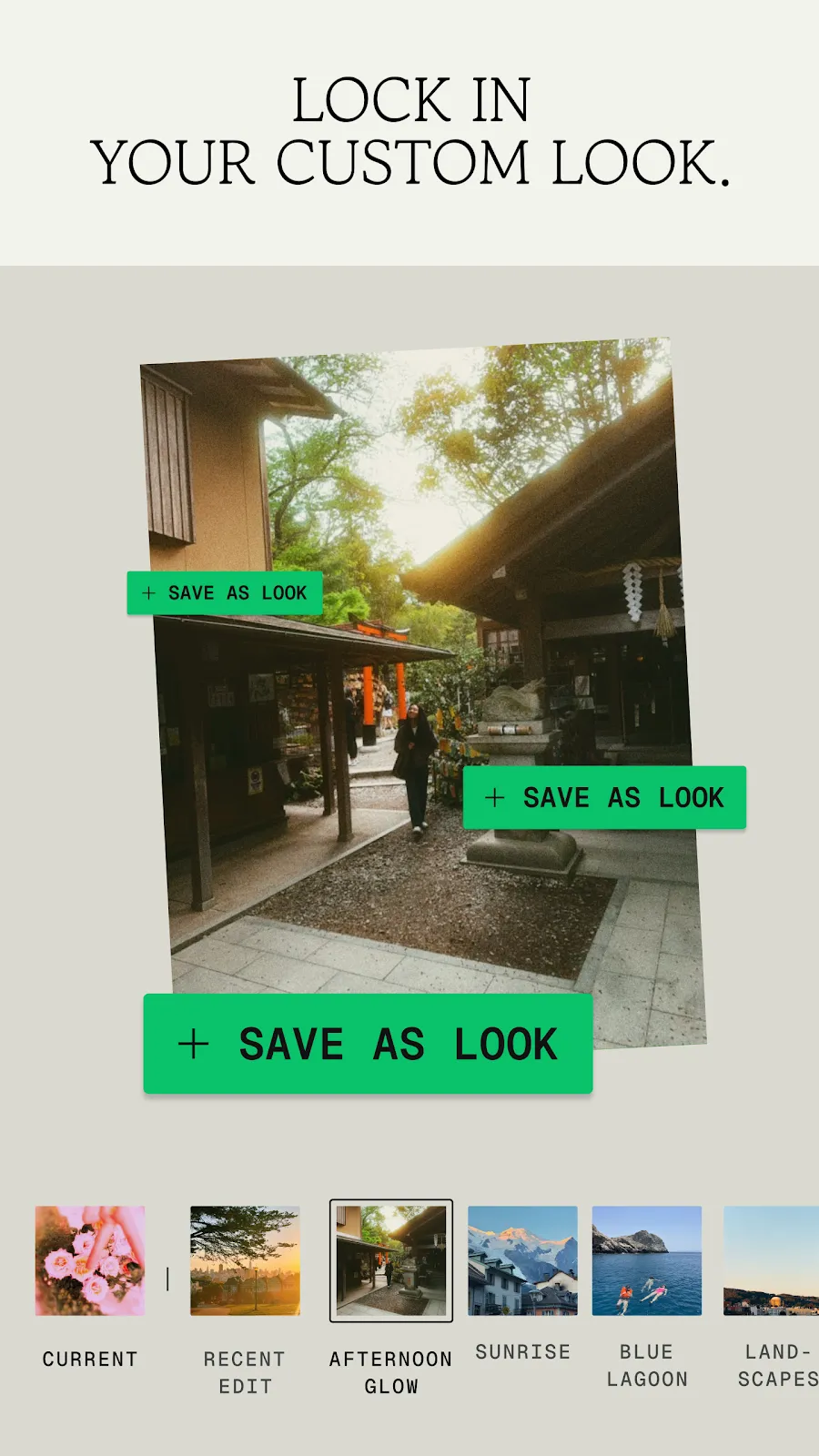
The home screen now shows a grid of all your edited photos, so you can jump back into any edit.
2. Batch Editing
Copy the style of one photo and paste it onto many others – perfect for travel or event albums.
3. Non-Destructive Editing
Your edit stack is saved, so you can reopen a photo and change any step later.
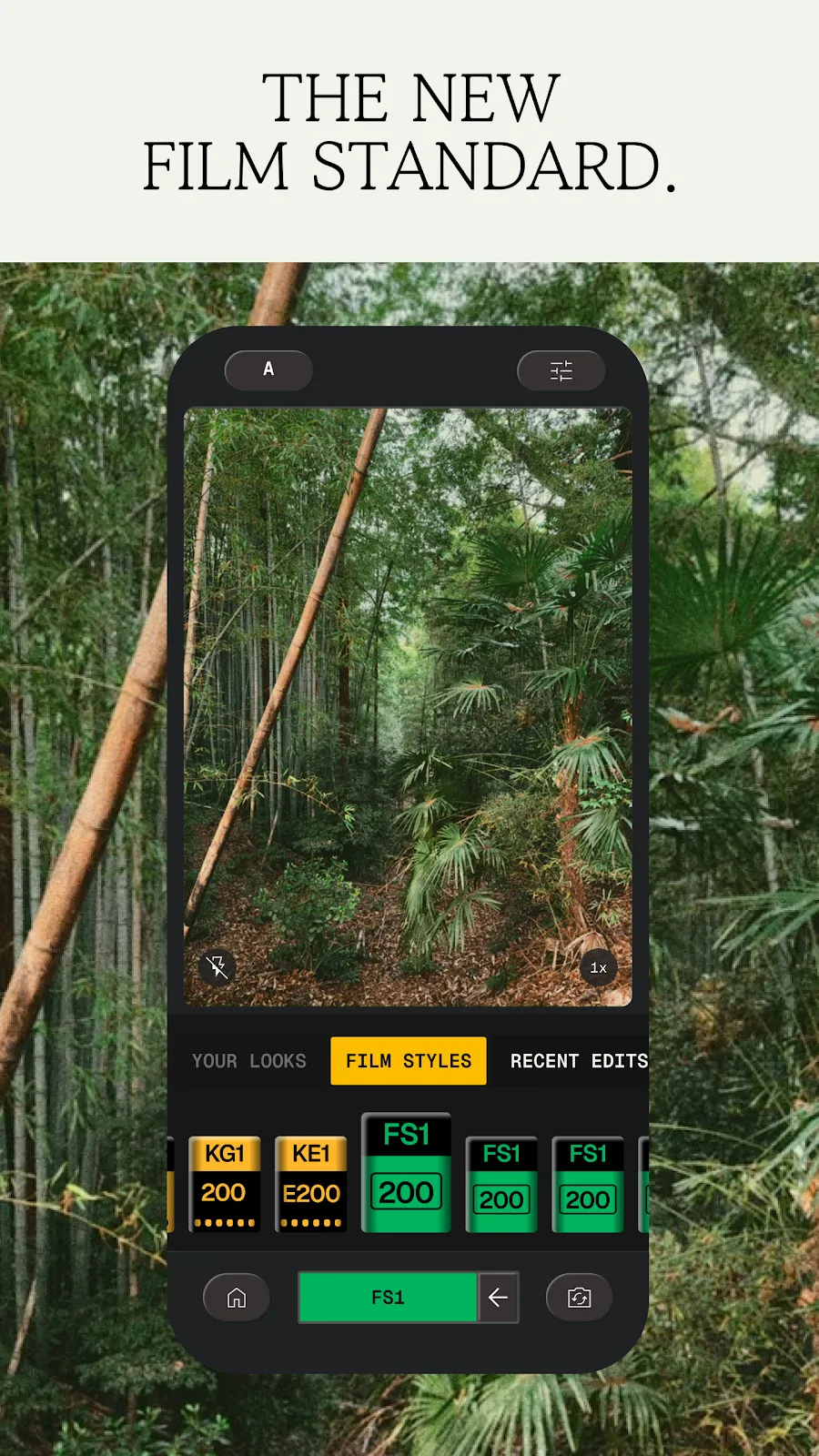
4. Snapseed Camera
A built-in camera with Pro mode (ISO, shutter speed, focus) and 11 real-time film looks inspired by Kodak, Fuji, Agfa, Polaroid and Technicolor.
5. New Tools
Dehaze, Color (HSL), Bloom, Halation and updated Films and Portrait tools, plus one-touch Smart Masking.
6. Redesigned Toolbox
Looks, Tools and Export tabs, fewer taps per tool and unlimited pinned favourites.
What is New in Snapseed 4.1
Snapseed 4.1 massively expanded RAW support (DNG, ARW, RAF, NEF, CR3, ORF, PEF) and added undo/redo inside tools.
How to Download and Install Snapseed 4 APK
- Tap Get it on Google Play on this page.
- Install or update Snapseed – the update to version 4 is free.
- Open the app and tap the camera button to try Snapseed Camera.
Is Snapseed APK Safe?
Yes, the Google Play version comes directly from Google. Snapseed has no locked features, so there is no reason to download a "Snapseed mod APK" – those files can be unsafe.
System Requirements
- Android version: 11 or higher
- Size: about 85 MB
- Internet: only needed to download
- RAW support: most major camera formats (4.1)

How to Batch Edit in Snapseed
- Edit one photo the way you like.
- In the gallery, select it and choose Copy style.
- Select the other photos and choose Paste.
Pros and Cons of Snapseed
Pros
- 100% free with pro-level tools
- Batch and non-destructive editing
- Built-in camera with film looks
Cons
- Needs Android 11 or newer
- No cloud sync between devices
Similar Apps on APKsLab
- Adobe Premiere APK – free pro video editor.
- Loops APK – share short videos without ads.
- Material Files APK – manage your photo folders.
Browse more Photography apps on APKsLab.
Final Verdict
Snapseed 4 turns a classic editor into a modern, fast and powerful app – and it is still 100% free. Every Android photographer should have it.
Frequently asked questions
When did Snapseed 4 come to Android?
Is Snapseed still free?
Can Snapseed batch edit photos?
Does Snapseed support RAW photos?
What Android version does Snapseed need?
Recommended Apps
See all Radio Addict
 Material Files
 Adobe Premiere
 Sunbird
 JustWatch TV
 Rowtine
 Loops
Loops
Recommended Games
See all Monster Hunter Outlanders
 Truckful
 Red Ball Forever
 Oh, Snack!
 Preserve: Complete Edition
 NHRA Legends of Drag Racing
 ONE PIECE: Grand Gourmet
 Petanque Royale
 9 Kings
Ratings and reviews
No reviews yet. Be the first to rate Snapseed.