
Shazam APK
Name any song in seconds – even inside TikTok, Instagram and YouTube
Shazam is Apple’s free music recognition app. Identify any song in seconds, use it inside TikTok, Instagram and YouTube, follow synced lyrics and find concerts near you. 500M+ downloads, 4.8★ rating.
Shazam APKDownload for Android · Varies with device



More about Shazam
| Name | Shazam |
|---|---|
| Package name | com.shazam.android |
| Category | Music & Audio |
| Version | aries with device |
| Size | Varies with device |
| Requires Android | Varies with device |
| Developer | Apple Inc. |
| Installs | 500M+ |
| Last updated | 30 Oct 2026 |
| Get it on | Google Play |
Shazam APK is the official Android download of Shazam: Find Music & Concerts, the famous app that names any song in seconds. Hold up your phone, tap the Shazam button and you get the song title, artist, lyrics and links to listen – even for music playing inside TikTok, Instagram or YouTube.
Below are the latest app details, all main features, how to use Shazam inside other apps, install steps and handy tips.
What is Shazam?
Shazam is a music recognition app owned by Apple. It listens to a few seconds of audio, compares it with a huge music database and shows you exactly what is playing. Tens of millions of people use it every day, and it is one of the highest rated music apps on Google Play.
Beyond naming songs, Shazam shows synced lyrics, music videos, global and local charts, and concerts near you. It is completely free with no in-app purchases.
Shazam APK Details
| App name | Shazam: Find Music & Concerts |
| Developer | Apple Inc. |
| Package name | com.shazam.android |
| Latest version | Varies with device (updated October 30, 2026) |
| Requires | Varies with device |
| Category | Music & Audio |
| Price | Free (no in-app purchases) |
| Downloads / rating | 500M+ · 4.8★ from 12M reviews · Teen |
What’s New in the Latest Shazam Update
- Faster performance and general improvements.
- Bug fixes to make song recognition more reliable.
Shazam updates often, so keep the app updated from Google Play to get the latest features.
Key Features of Shazam
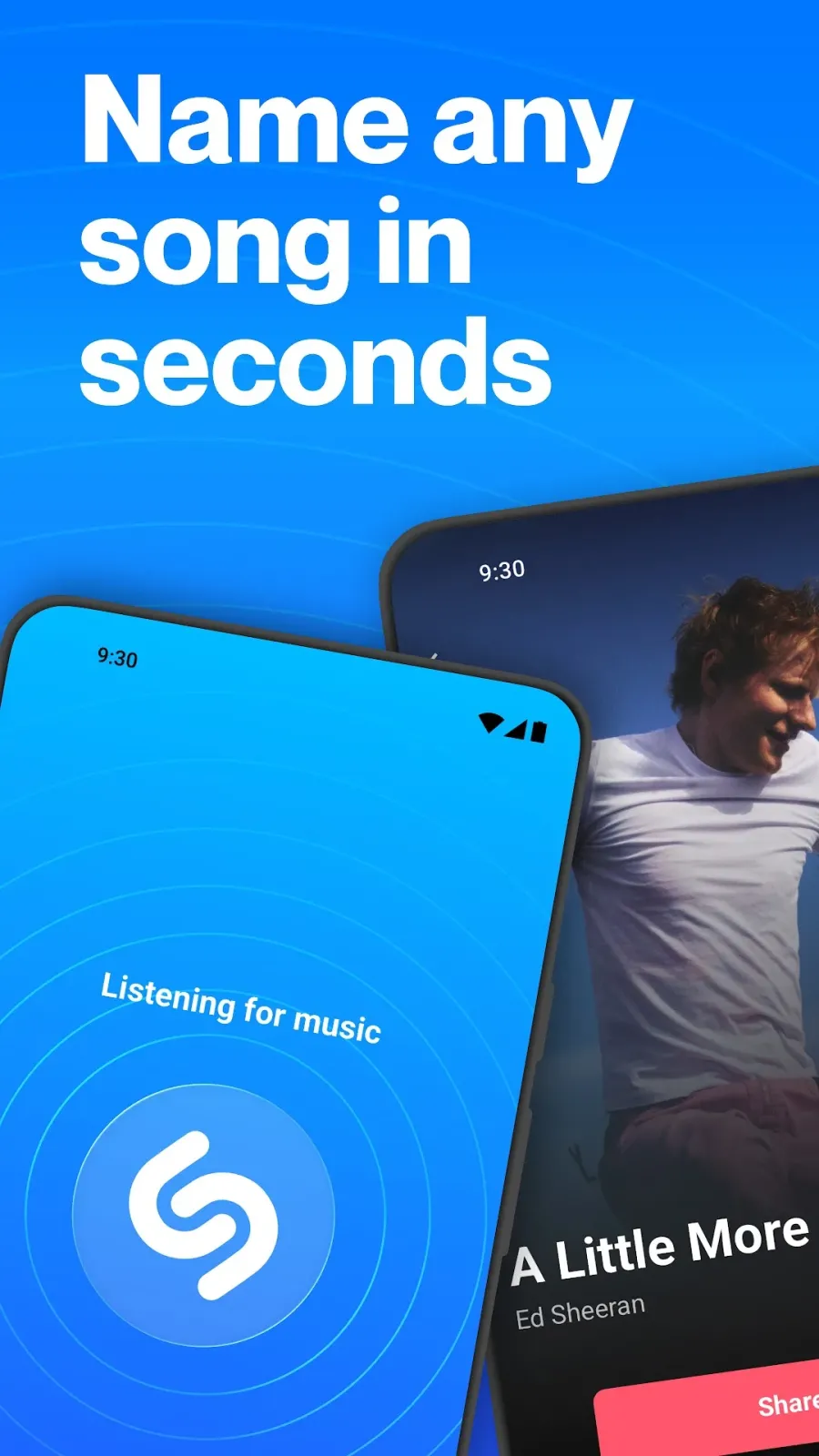
1. Identify Any Song in Seconds
Tap the big Shazam button and the app recognises the song playing around you – in a shop, a café, a car or a party.
2. Shazam Inside Other Apps
Turn on Pop-up Shazam to identify songs playing in TikTok, Instagram, YouTube or Snapchat without leaving the app you are using.
3. Auto Shazam
Long-press the button to keep Shazam listening in the background, so it catches every song while you go about your day.
4. Synced Lyrics and Videos
Follow the lyrics in time with the music and watch the official music video right inside the app.
5. Concerts Near You
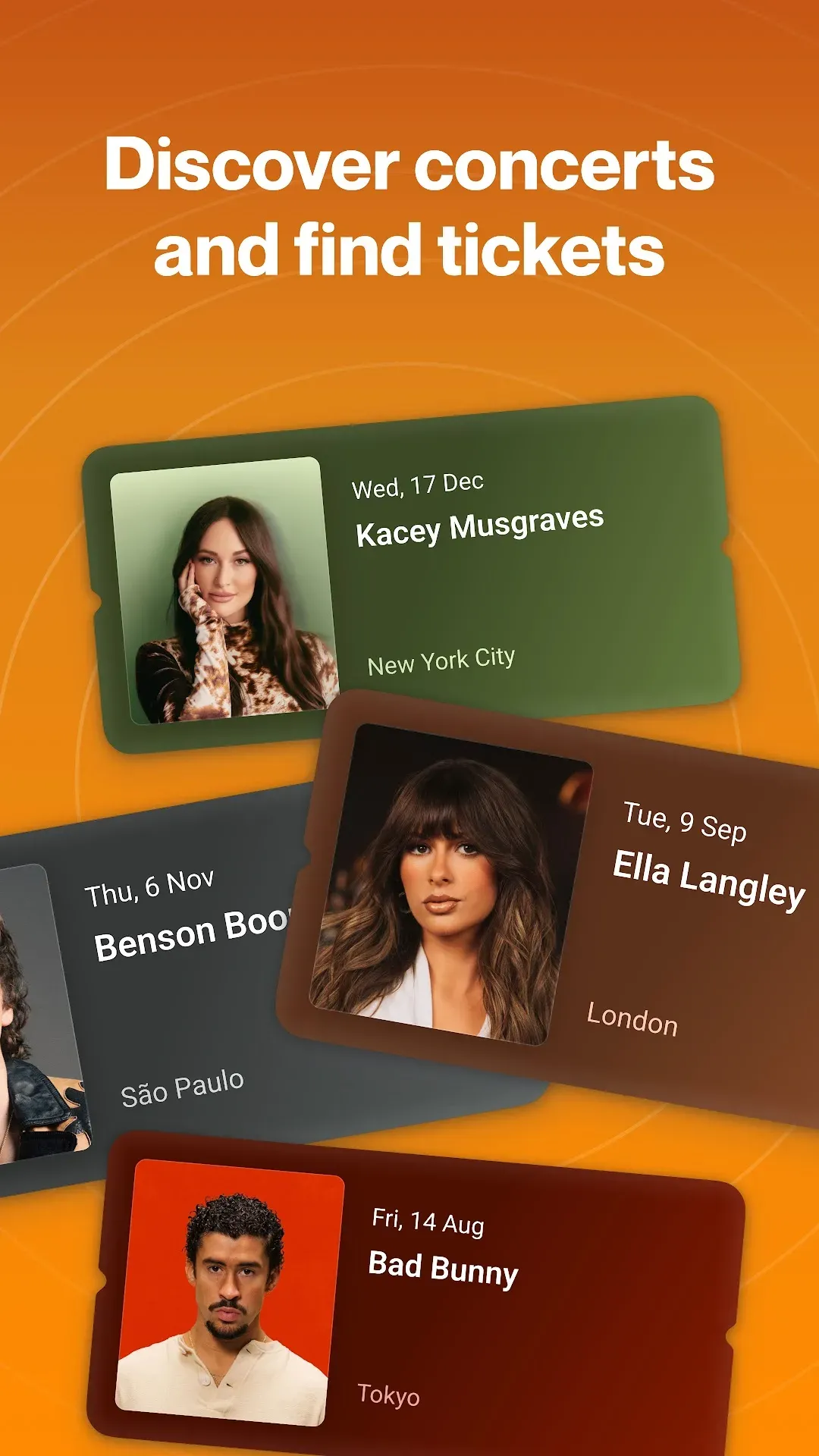
Discover upcoming shows of artists you like and find concerts happening near your location.
6. Charts and Discovery
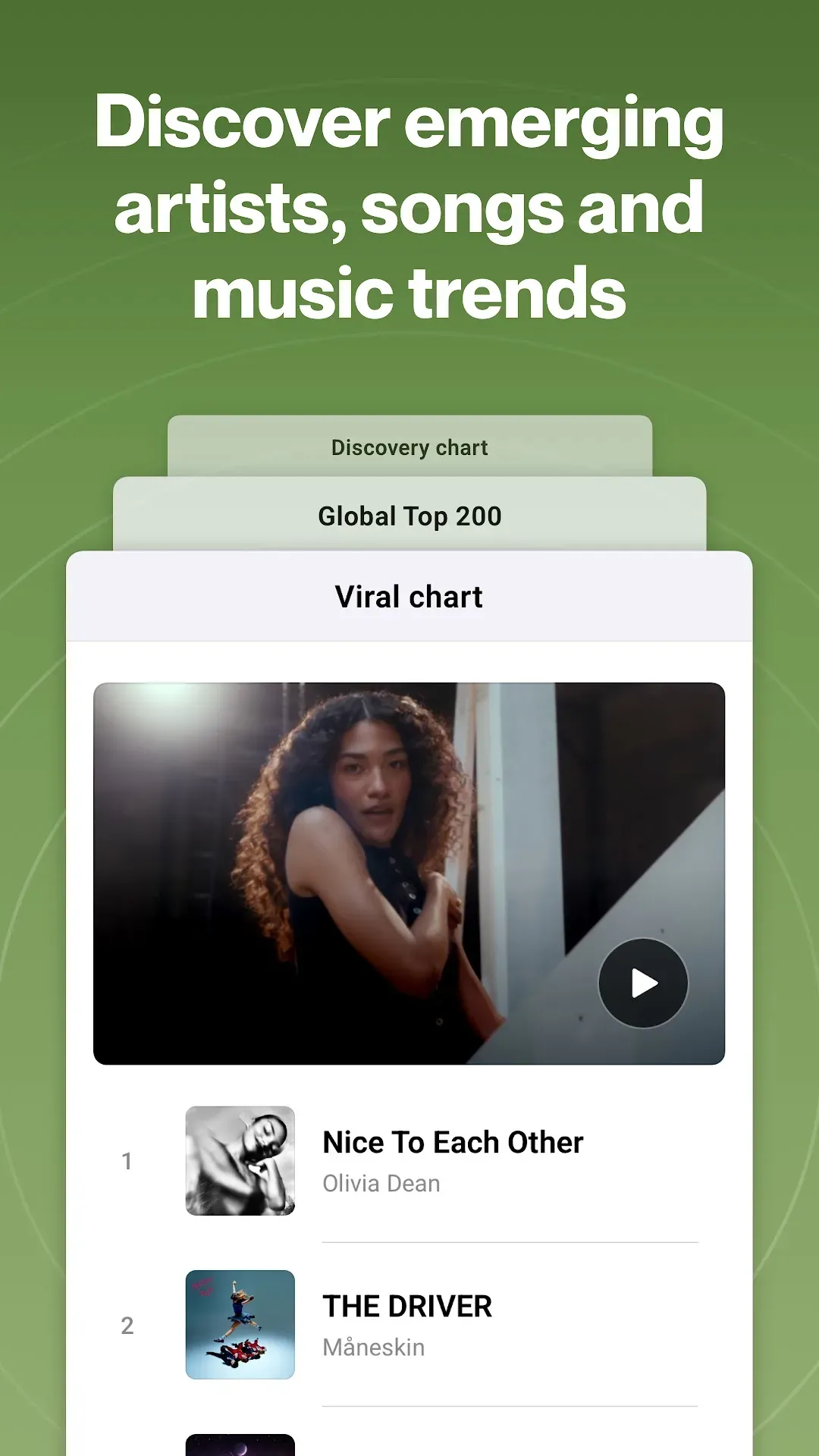
See the most Shazamed songs worldwide and in your city, and open any track in Spotify, Apple Music or YouTube Music.
How to Use Shazam in Other Apps
- Open Shazam and go to Settings.
- Turn on Pop-up Shazam (or Shazam from notification bar).
- Allow the permission to display over other apps.
- Play a video in TikTok, Instagram or YouTube and tap the floating Shazam button.
How to Download and Install Shazam APK
- Tap the Download button on this page to open Shazam on Google Play.
- Tap Install and open the app.
- Allow microphone access so Shazam can listen to music.
- Optionally sign in to sync your Shazams across devices.
Is Shazam APK Safe?
Yes. Shazam is published by Apple Inc. on Google Play and is completely free. There is no reason to download a “Shazam Pro” or modded APK – all features are already free in the official app, and fake versions can contain malware.
Requirements
- Android phone or tablet with a microphone
- Internet connection for recognition (songs captured offline are matched later)
- Permission to display over other apps for Pop-up Shazam

Handy Shazam Tips
- Add the Shazam tile to your quick settings to identify songs with one swipe.
- No internet? Tap Shazam anyway – it saves the recording and finds the song when you are back online.
- Connect Spotify or Apple Music to add songs straight to a playlist.
- Check your Library to see every song you have ever Shazamed.
Pros and Cons of Shazam
Pros
- Very fast and accurate song recognition
- Works inside other apps
- Free, no ads in the main experience, no purchases
- Lyrics, videos and concerts in one place
Cons
- Needs internet to show results
- Pop-up mode needs extra permissions
Similar Apps on APKsLab
- SongFlip – open any song link in your favourite music app
- Radio Addict – listen to radio stations worldwide
- MX Player – video and music player
- Crunchyroll – anime streaming
Find more music apps in our Music & Audio apps category.
Final Verdict
Shazam is still the fastest way to name a song on Android. It is free, accurate, works inside your favourite apps and adds lyrics, videos and concerts on top. Download the official Shazam APK from Google Play with the button above and never miss a song again.
Frequently asked questions
Is Shazam free?
Can Shazam identify songs in TikTok or Instagram?
Does Shazam work offline?
Who makes Shazam?
Does Shazam show lyrics?
Apps like Shazam
See all Radio Addict
 SongFlip
Recommended Apps
See all Stremio
 Adobe Premiere
 Material Files
 GameNative
 Notability
 Loops
 Retro – Photos with Friends
 OpenClaw
 Rowtine
 I’m Miri: AI Astrology & Tarot
Recommended Games
See all Saints Row: The Third
 Soccer Manager 2027
 Red Ball Forever
 Monster Hunter Outlanders
 MotoGP Rivals
 Kettle Street: Cosy Life Sim
 Sifu
 Winter Burrow
 Vampire Crawlers
 Truckful
 Bloons Blitz
 ONE PIECE: Grand Gourmet
Ratings and reviews
No reviews yet. Be the first to rate Shazam.